
Sentinel-2 Mosaics for the Price of GPU Processing Time
Create your own basemaps over large areas with Sentinel-2

Written by David Hersh
•3 min read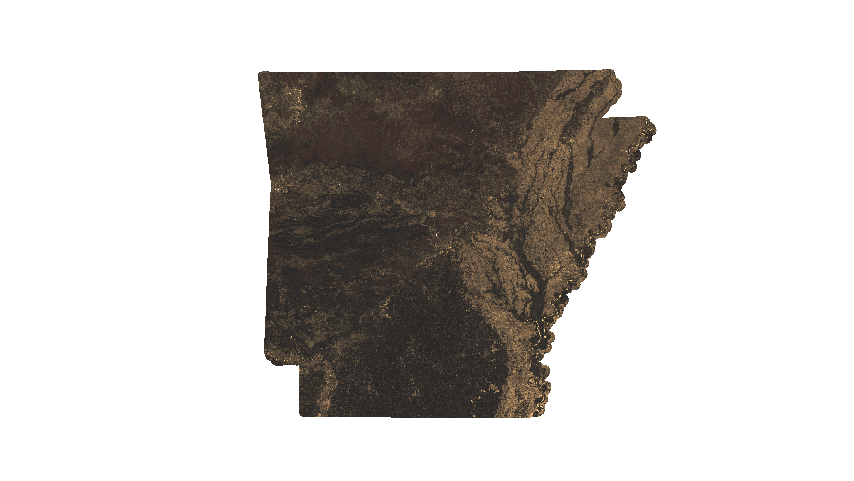
The Problem
Basemaps from big providers are often many months or a few years old. What about the condition of a forest, urban developlment or other change last month? You can generate your own mosaics with Sentinel-2 over large areas for just a few dollars.
Background
I found OmniCloudMask and was amazed at how spot-on the masks are. Combine this with the AWS Sentinel-2 Collection and you have the makings of beautiful, cloud-free mosaics for a very low price. Oh, and Sentinel-2 has 3 satellites operation in 2025, so the chances of a complete mosaic for a shorter time-frame is higher.
My motivation is to create monthly mosaics for the state of Arkansas to facilitate change detection in urban development and forestry. The full code can be found on Github. There are more details on processing stages on Github if you decide to try it.
What's the reason for mosaics?
The concept of a mosaic in satellite imagery is not much different than the form of art. It's a collection of various pieces stiched together.
 (Ancient Greek Mosaic. Source: By Anonymous - http://www.thehistoryblog.com/wp-content/uploads/2016/03/Mosaic_Epiphany-of-Dionysus.jpg, Public Domain, https://commons.wikimedia.org/w/index.php?curid=47840503)
We need mosaics because satellite imagery often has cloud cover or a single acquisition image does not cover a large area of interest. So we stitch together many images over a period of time and remove cloudy pixels.
The pipeline
The code consists of 5 steps:
- Query the S3 STAC catalog for a given area of interest for Sentinel-2 L2A data
- Clip the data to the exact polygon you need. In my case, this is the state of Arkansas with a 5000 meter buffer
- This is done to reduce the processing time in the next step as generating the cloud masks is time-consuming, we don't want to generate masks for areas outside of our input polygon
- Generate cloud masks using OmniCloudMask
- Create a mosaic by masking using the OmniCloudMask along with the Scene Classification Layer
- This uses percentiles, configurage in the
config.jsonfile
- This uses percentiles, configurage in the
- The final file can optionally be uploaded to Backblaze
The whole process takes a few hours on an A100 GPU for one month in Arkansas.
Comparing the Basemap to Other Imagery Sources
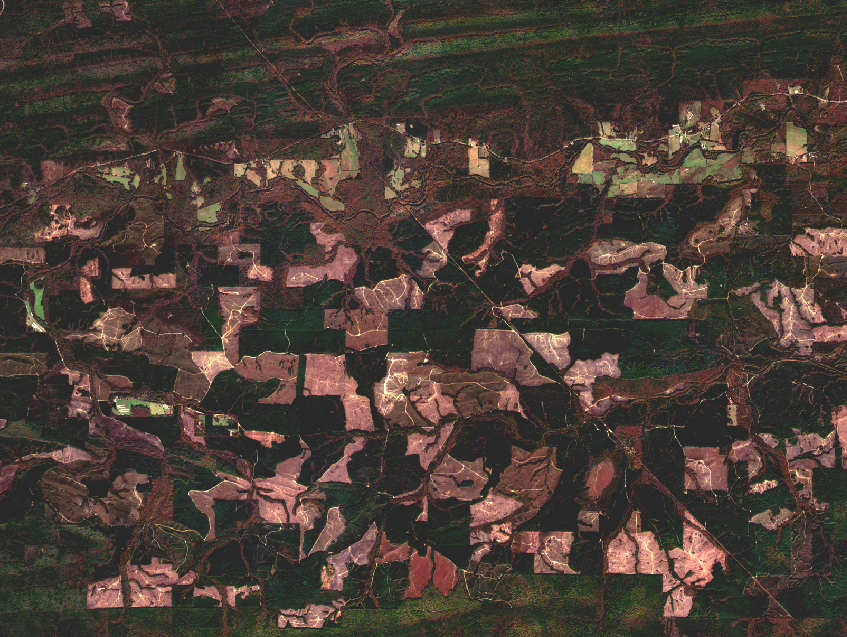
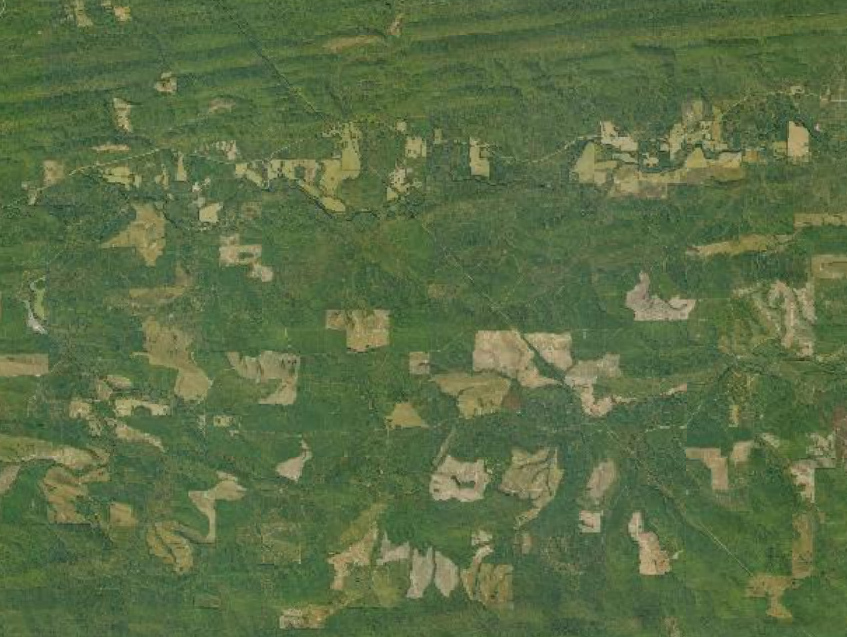
Here you can see the difference between National Agriculture Imagery (NAIP) data and a cloud-free mosaic. Basemaps from big providers are often stitched together from various sources and you don't know how old the imagery is. Some countries such as the US have fairly recent imagery (eg., NAIP), but this imagery can still be up to a few years old depending on the state. If you care about last month's imagery and don't have high-resolution options available, then a Sentinel-2 mosaic makes a lot of sense.
Conclusion
I hope you found this informative and maybe you find it useful if you are trying to generate your own mosaics over large areas and don't have the budget for other options.